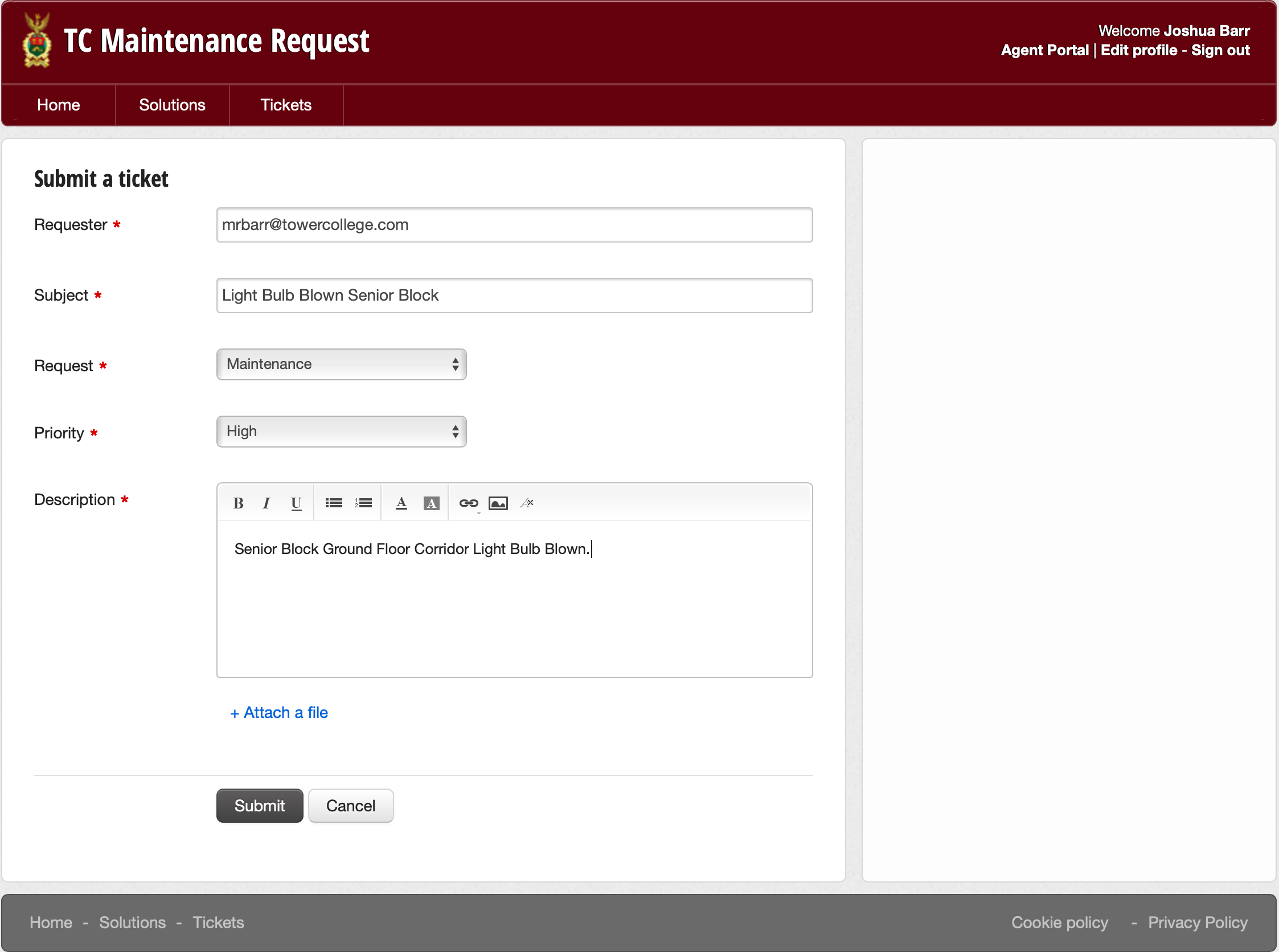
Quick guide for staff to submit tickets:
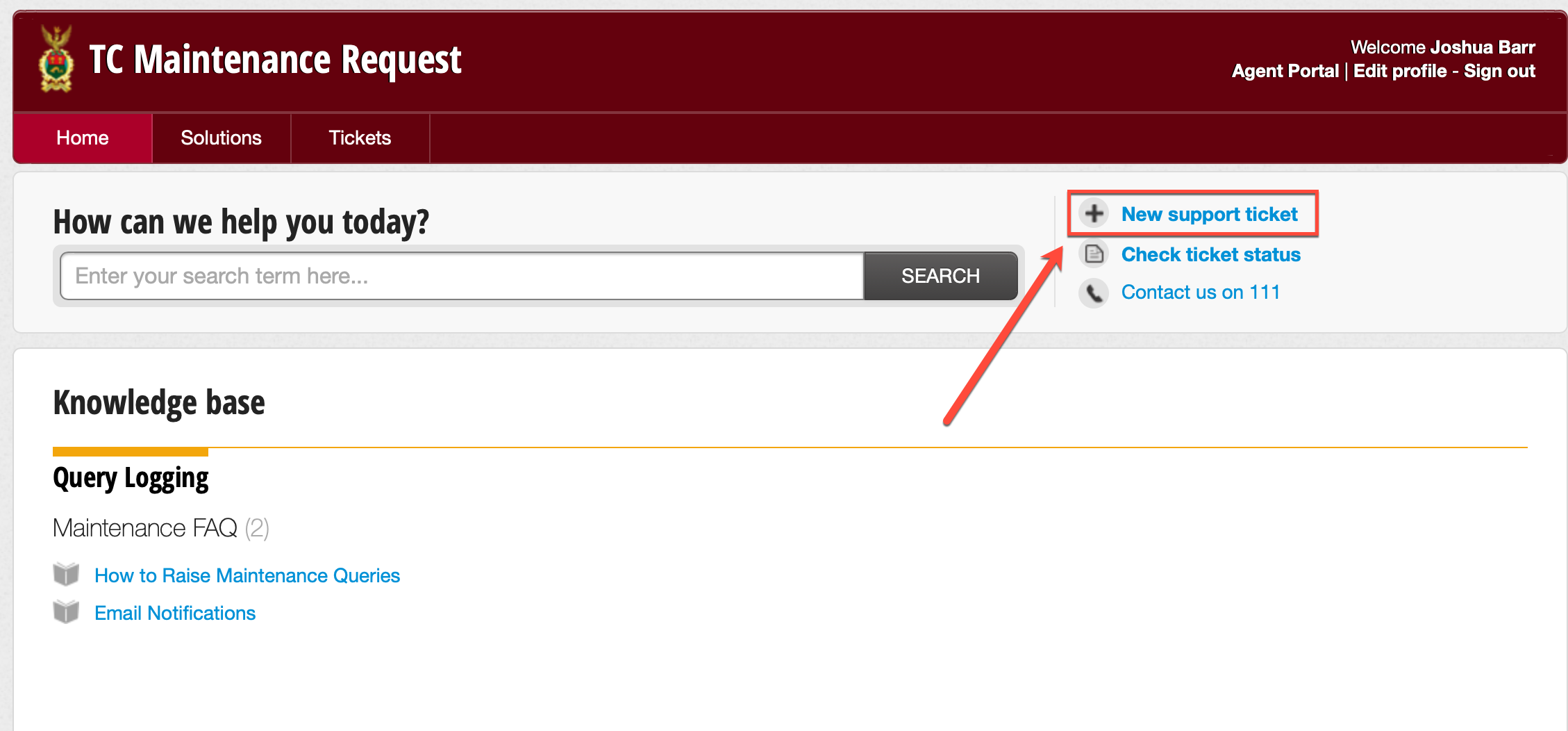
When it comes to logging an Maintenance Request, log in to the support portal, select 'New Support Ticket' in the top right (as depicted below):
You will then be redirected to a ticket submission page, which you will be required to fill out. All of the fields are mandatory when submitting the ticket. The fields required are as follows:
- Requester (Already populated)
- Subject (Brief overview of the issue)
- Request, Maintenance
- Priority; Low, Medium, High, Urgent
- Description (A detailed account of the issue or request)
After this has been filed out, you may attach photos or documents to the query if required. Once done, hit submit, and someone should be in touch regarding the issue/request.